
A generator can keep your home network powered, but it cannot repair an internet-provider outage. Your connection works only if every device on your side has power and the provider’s network serving your address is still operating.
For cable or DSL, that usually means powering the modem or gateway and router. Fiber customers may also need to power the optical network terminal, while larger networks can require switches, mesh nodes and access points.
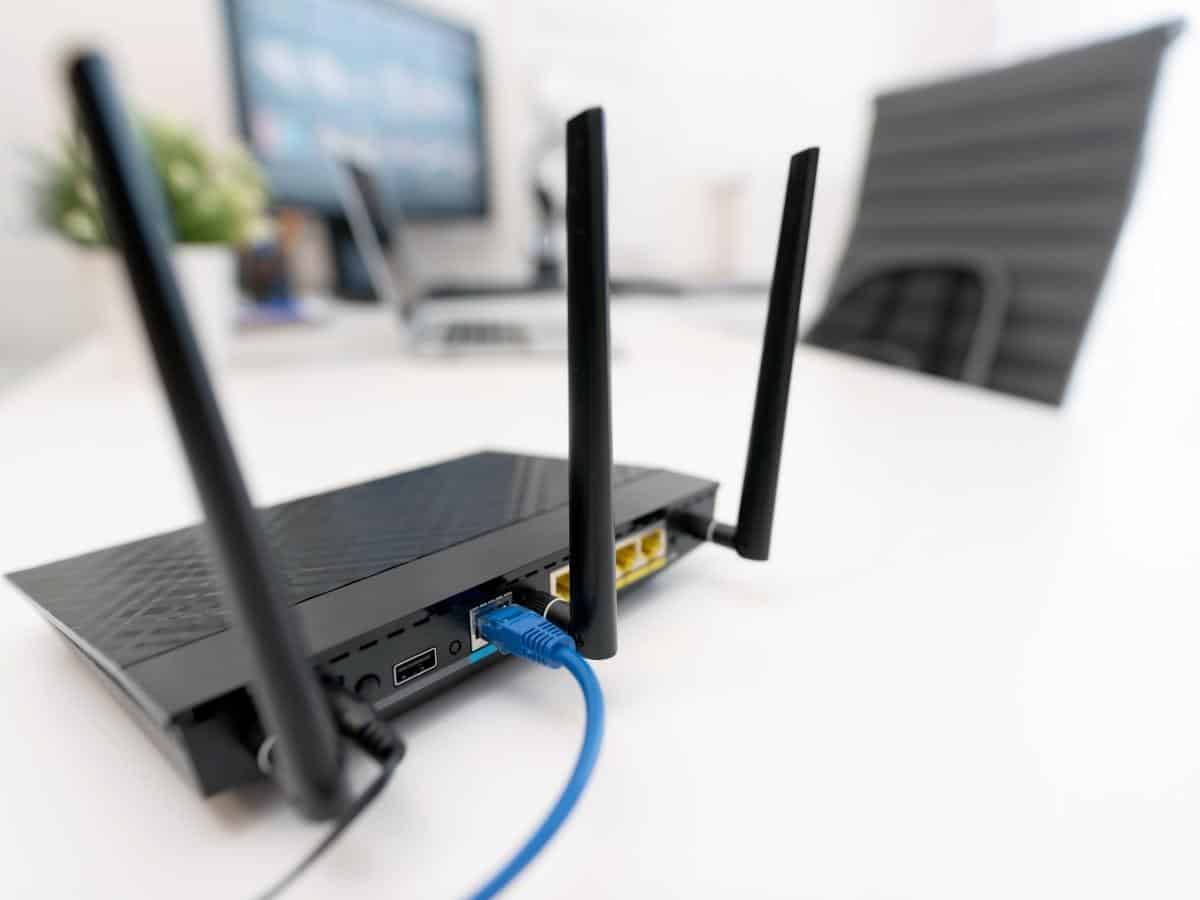
What must stay powered?
- The modem, gateway or fiber optical network terminal
- The main router and any separate Wi-Fi access points
- Ethernet switches used between those devices
- The computer, phone charger or other device you need online
Read each power adapter’s input rating or measure the devices with a plug-in power meter. Add the loads in watts, then allow for conversion losses and startup behavior. Most home-network equipment is a small load for a generator, but model-specific measurements are more reliable than a generic estimate.
Why internet can still fail with generator power
- The provider’s neighborhood equipment has lost power or its backup has expired.
- A storm damaged the cable, fiber or upstream network.
- The fiber terminal or powered amplifier at the property is not connected to backup power.
- The modem or router needs time to restart and re-register after the outage.
- Generator voltage or frequency is outside the equipment or UPS input range.
Some fiber backup batteries support voice service only, not internet. Verizon states that its legacy Fios battery options do not power Fios internet or TV, so confirm what your provider’s equipment actually backs up.
Best setup for reliable outage internet
- Map the full path. Identify the modem, optical terminal, router, switch and access points that must run.
- Use a compatible UPS. It can bridge the generator’s startup and refueling gaps. Check that the UPS accepts the generator’s voltage and frequency.
- Keep network loads separate. Avoid sharing their circuit with large motors or heating loads where practical.
- Test before an outage. Turn off utility power using a safe test procedure and confirm the connection remains online.
- Prepare a second connection. A phone hotspot or cellular gateway can help when the fixed provider’s network is down.
An inverter generator may be preferable for sensitive equipment because it is designed to regulate output electronically, but use the equipment and UPS manufacturers’ specifications rather than relying on the word “inverter” alone.
Generator safety still comes first
Operate a portable generator outdoors, at least 20 feet from the home, with the exhaust directed away from doors, windows and vents. Never run one in a garage, basement, shed or other enclosed space.
Use approved cords and connections, protect the generator from moisture without blocking airflow, and never feed a building through a wall outlet. A transfer switch or other approved transfer equipment is required for connection to home wiring.
Bottom line
Yes, internet can work on a generator if the entire local network path is powered and the provider remains online. A small UPS, a tested power plan and a cellular fallback provide a more dependable setup than plugging in the router after the outage starts.
Sources